
Problem definition: what actually breaks down
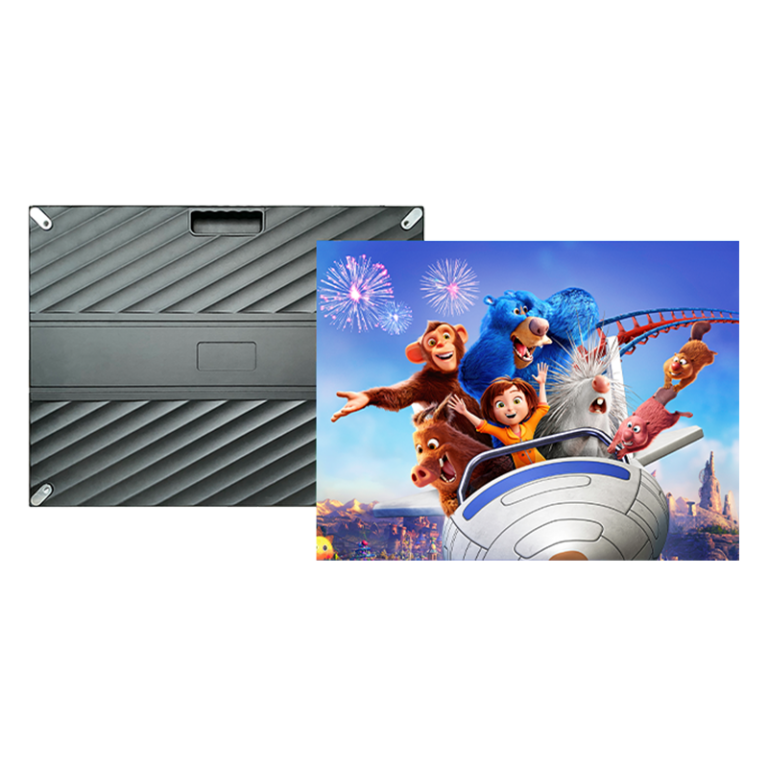
Shops, showrooms and production halls often buy displays that look fine on paper but fail where it counts: legibility under bright shop lights, colour shift after a few months, awkward maintenance access, and content that cannot be updated reliably. For indoor spaces the wrong choice of panel, pixel pitch and mounting leads to wasted budgets and lost customers; an appropriate indoor led display must be chosen with those pressures in mind.
Why these failures repeat
Decisions are usually driven by cheapest upfront price or flashy spec sheets. Teams ignore viewing distance, ambient lux, and the mismatch between intended content and native resolution. Service contracts are skimpy; installers cut corners on airflow and cable routing. These are practical mistakes—avoidable if you follow a problem-first checklist rather than trust marketing blurbs.

Essential diagnostics before you buy
Start with three questions: what is the closest and furthest viewer distance? what ambient light levels will the screen face? who will maintain it? From those answers derive pixel pitch, brightness (nits), refresh rate (no less than 3,840 Hz for camera-friendly output if feeds will be filmed), and module access (front or rear). Specify service-level response times and spare-module policies up front.
Technical criteria to prioritise
Choose pixel pitch to match viewing distance: for up-close retail counters use ≤1.5 mm; for meeting halls 1.8–2.8 mm; for large atria 3.9 mm and above. Demand colour calibration and factory-measured colour gamut data. Ask for thermal performance and active ventilation strategy; panels heat, and poor ventilation shortens lifetime. Confirm the CMS integrates with your existing network and supports scheduled updates and role-based access.
Common deployment mistakes and how to avoid them
Avoid these errors: (1) buying higher brightness than needed and sacrificing contrast; (2) neglecting mounting tolerances that cause visible seams; (3) failing to test content at native resolution; (4) accepting vague warranty terms. Insist on a sub-frame that allows 1–2 mm tolerance per module, and a burn-in period with on-site acceptance tests. These steps cut rework and preserve visual consistency.
Experience, authority and a real-world anchor
I have overseen multiple rollouts where those simple checks prevented failure: installations in retail layouts and factory control rooms where modular replacement and calibrated colour kept operations steady. At Integrated Systems Europe (ISE) in Barcelona exhibitors demonstrated scalable walls and fine-pitch solutions that validated these field lessons; the same principles apply when specifying an indoor led display screen for a demanding commercial interior.
Comparing practical alternatives briefly
Direct-view LED gives best brightness and seams control but costs more for very fine pitch. High-resolution LCD video walls are cheaper for small pixel pitch needs but show bezels and lower contrast. MicroLED and OLED are emerging options; they remain premium and should be considered only when budget and long-term service are confirmed.
Checklist for procurement and installation teams
Require: measured viewing-distance justification, documented brightness and refresh-rate targets, calibrated colour profile, module-level replaceability, explicit warranty terms including Mean Time Between Failures (MTBF), on-site acceptance testing, and a named service partner with spare stock. Confirm power redundancy and network segmentation for the CMS.
Final synthesis
Fix the real problems—viewing distance, light, maintenance, and content workflow—and the choice of LED stops being risky and starts delivering value. For commercial or industrial interiors that need reliable, serviceable displays, these practical checks point to solutions proven in large-scale demonstrations and deployments; partners such as HDC align product choices and service terms to those exact problems rather than selling spectacle alone.